Authenticator App
Moxy Labs Inc.
About this app
Authenticator is the perfect solution for your online security. This
free
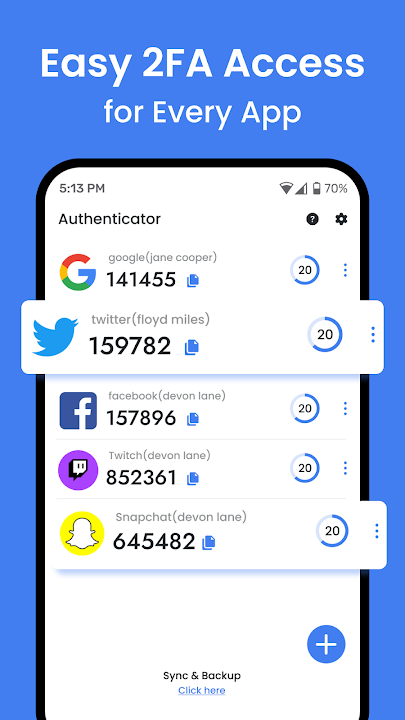
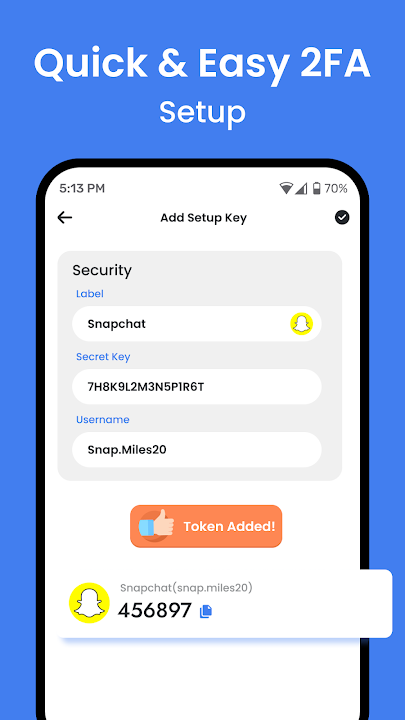
authentication app provides two-factor authentication 2FA using time-based one-time passwords
(TOTP) and PUSH authentication, giving you the highest level of protection for your online
accounts. It integrates seamlessly with any website or application that supports TOTP
authentication, allowing you to securely access your accounts with ease. Whether you're an
individual or business, Authenticator is the perfect way to ensure your security and
privacy.
Authenticator is the perfect tool to get started with multi-factor
authentication. With Authenticator, you can easily add an additional layer of security to your
accounts and ensure that only you have access. Authenticator will ask for your password, and
then provide you with a second way to prove that it is really you, such as a unique code sent to
your device or an image verification. With Authenticator, you can trust that your accounts will
stay secure.
Authenticator is a powerful and secure multi-factor authentication (MFA)
tool
that provides an extra layer of protection to your online accounts. By using Authenticator, you
can easily set up two-factor authentication (2FA) to your logins, giving you secure access with
an additional level of security. With Authenticator, you can easily and quickly get started with
multi-factor authentication so you can rest easy knowing that your accounts will be safe and
secure.
Authenticator Key
- Generates Authenticator code for your online
account
- Automatically Read Code and Show Details
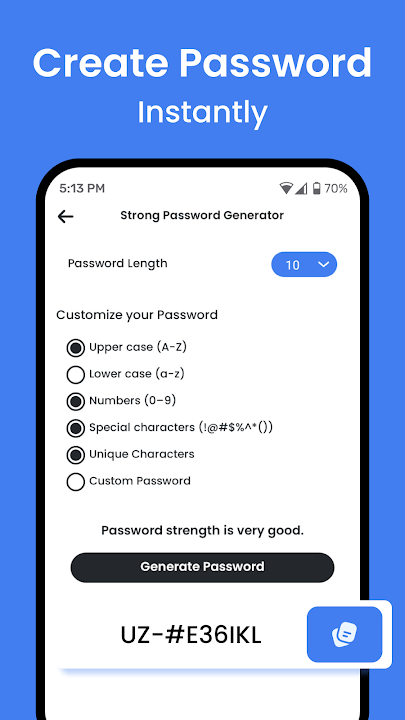
- Generate Strong
Password
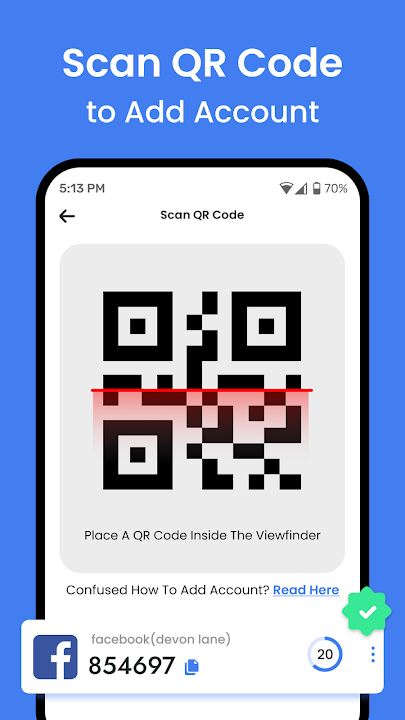
- Show Generate Password QR Code
- Every 30 Seconds, The App Generates
New
Code.
- Support SHA256, SHA1, SHA512 Algorithms.
- 2FA Authentication
- MFA
Authentication
- Create Note
- Create Website List
Please get in touch with
us if you have any queries or problems using our Authenticator. We'd be happy to talk with you
Data safety
arrow_forwardSafety starts with understanding how developers collect and share your data. Data privacy and security practices may vary based on your use, region, and age. The developer provided this information and may update it over time.


Ratings and reviews
arrow_forwardWhat’s new
- Minor bug fix.
- QR Code Improvement.
